
LocalSpend
Your spending, tracked automatically — and privately.
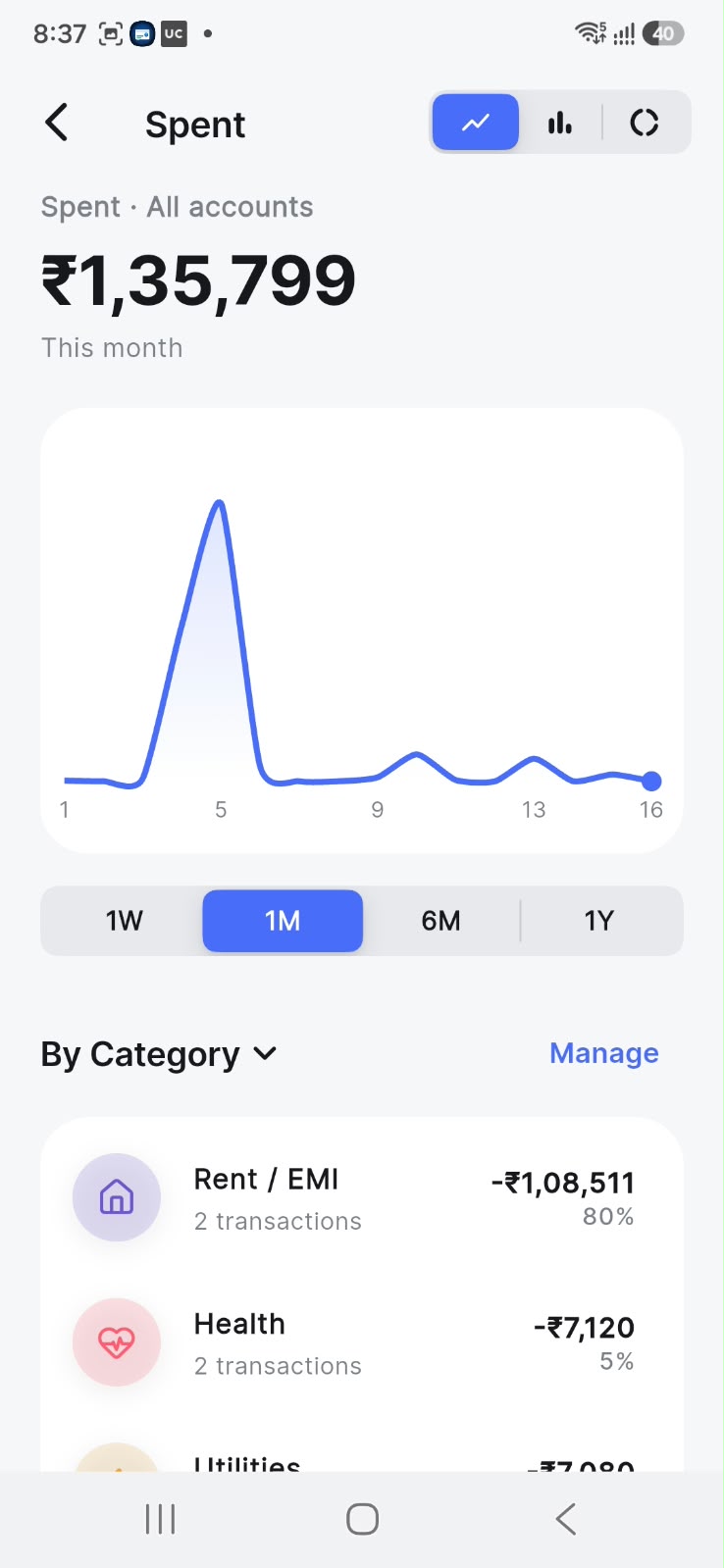
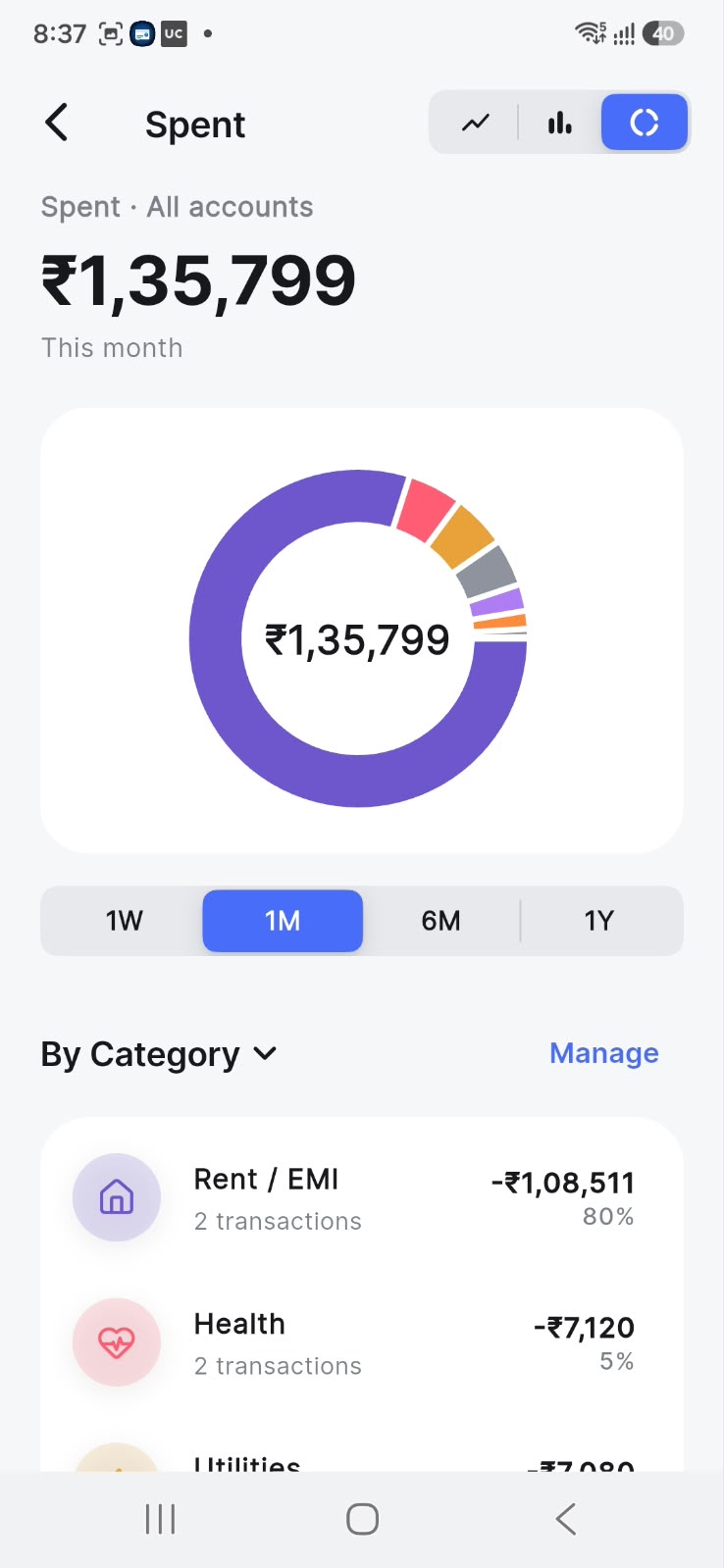
What it is
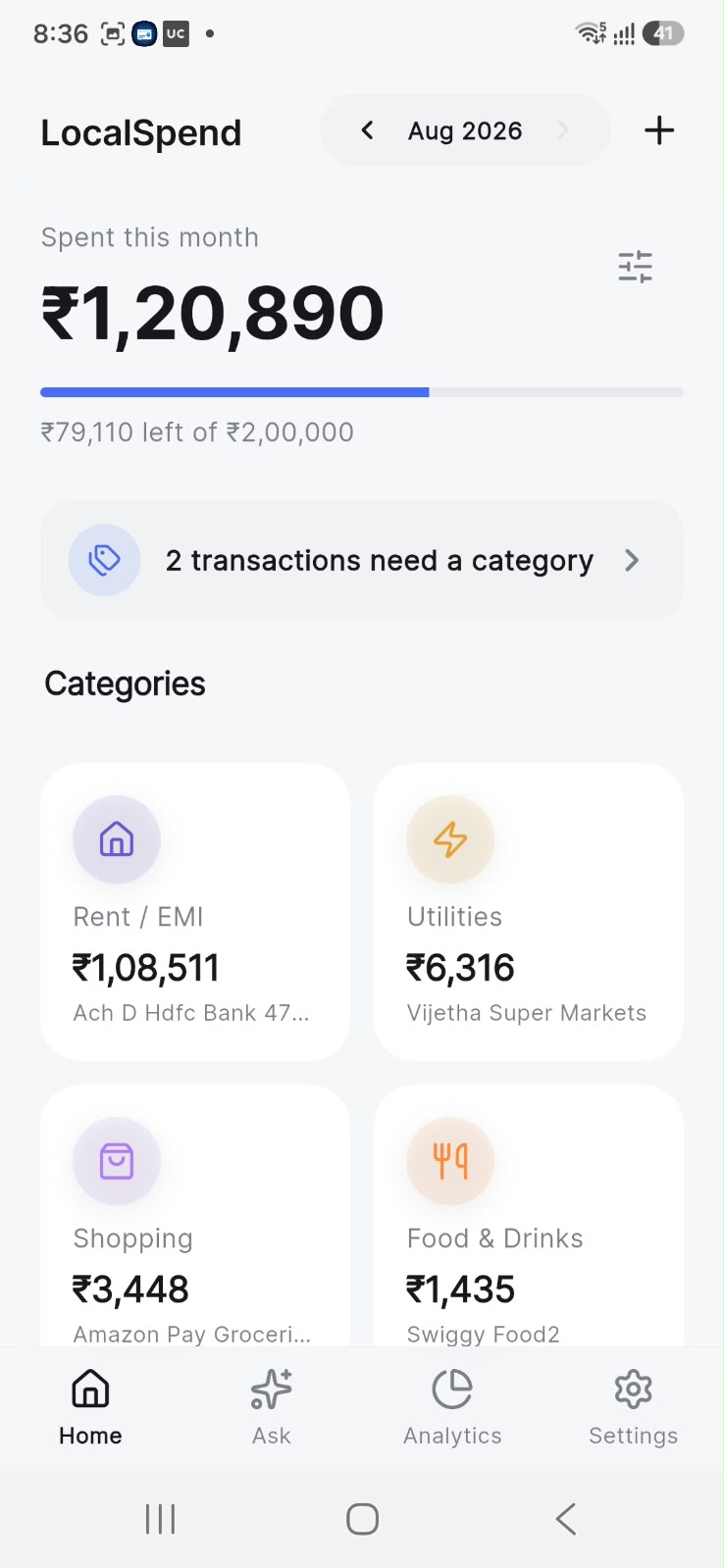
LocalSpend is a privacy-first expense tracker built for India. Instead of asking you to type in every chai and auto ride, it builds your ledger automatically — parsing the transaction SMS and Gmail alerts your bank already sends, entirely on your device. No bank logins, no server, no account, no analytics.
It categorises transactions against 670+ known merchants, watches your monthly budget, detects recurring payments and subscriptions, and can even answer questions about your spending with an AI that runs completely offline.
How it works
- Connect your alerts. Grant SMS access on Android and/or connect Gmail (read-only) on either platform. LocalSpend recognises alerts from major Indian banks, cards, and UPI apps.
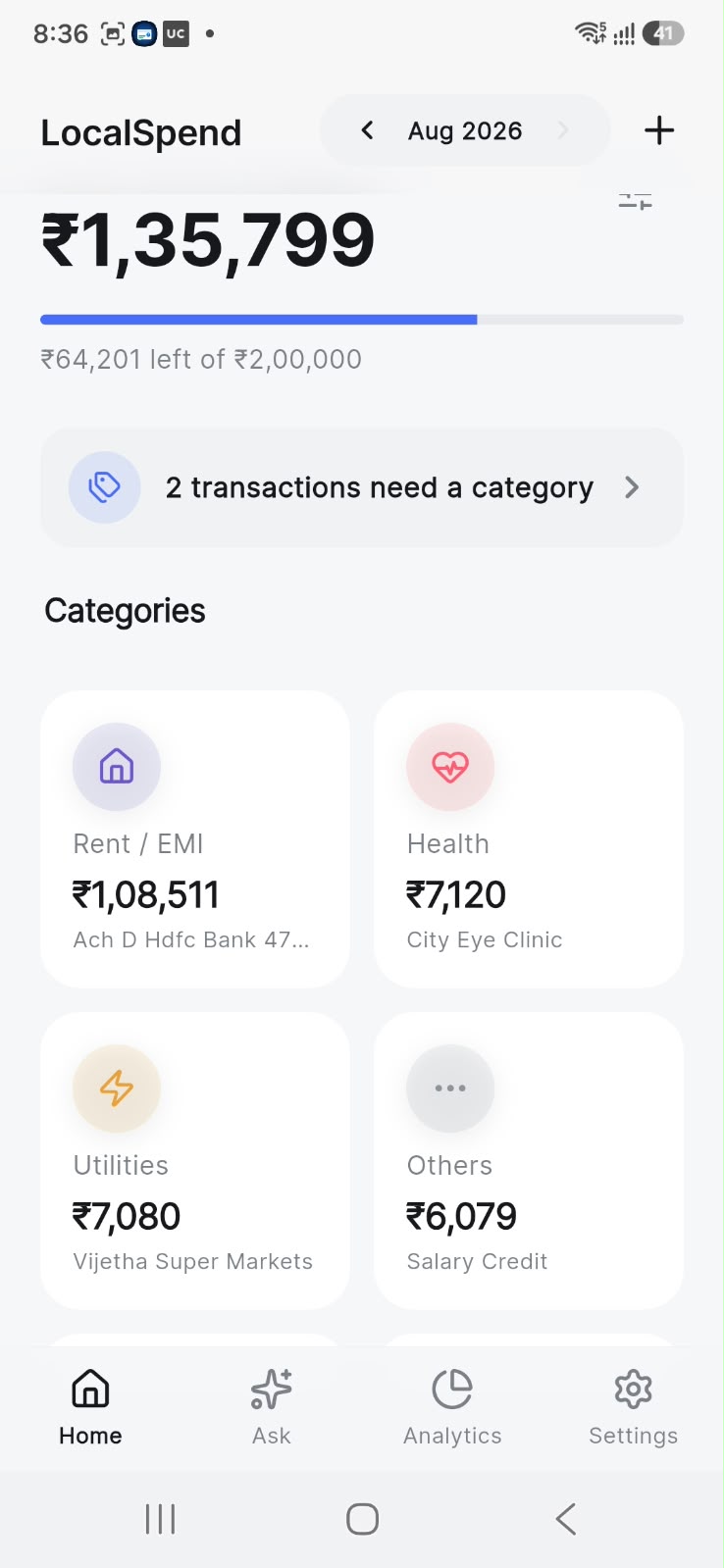
- Watch the ledger build itself. Transactions appear with merchant, amount, and category — auto-matched against a built-in merchant database. Correct one once and the rule sticks.
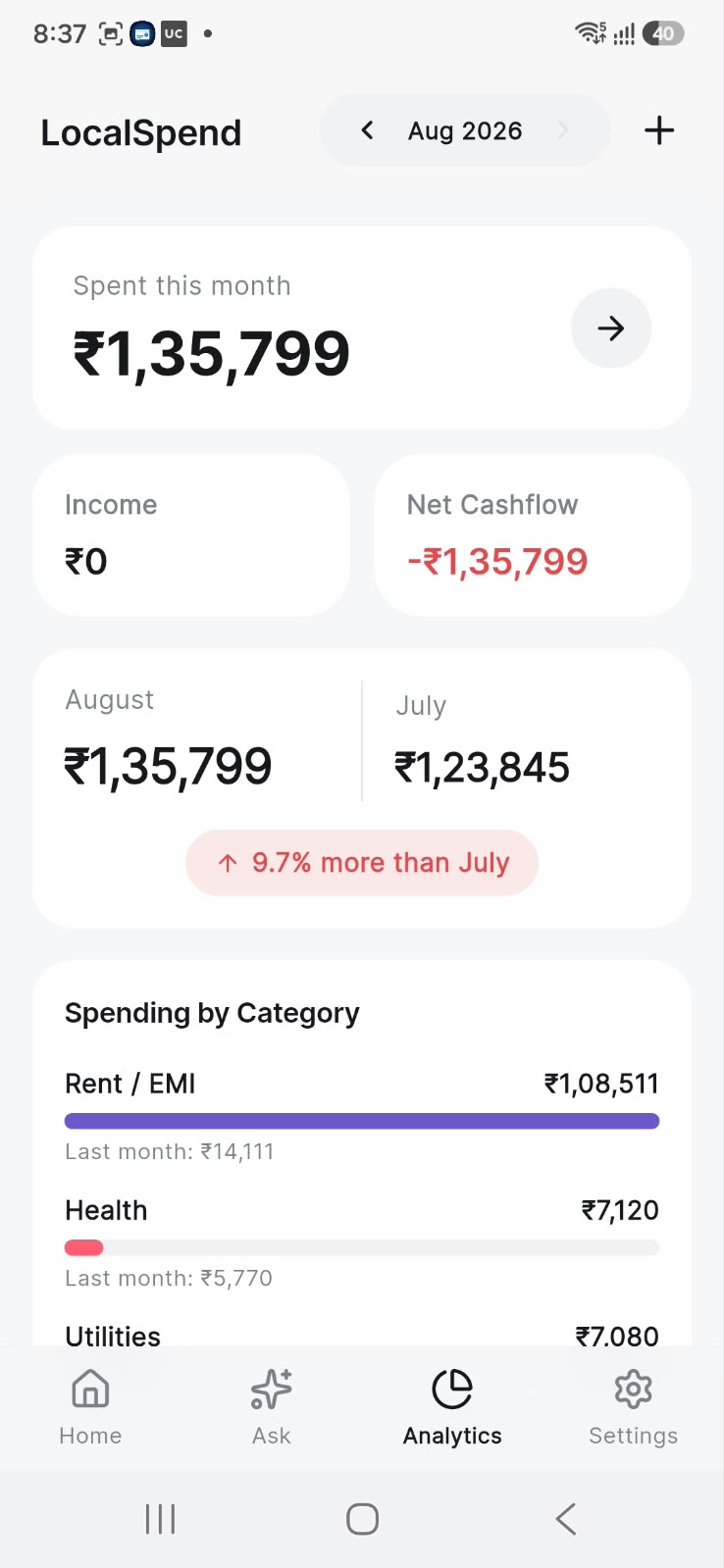
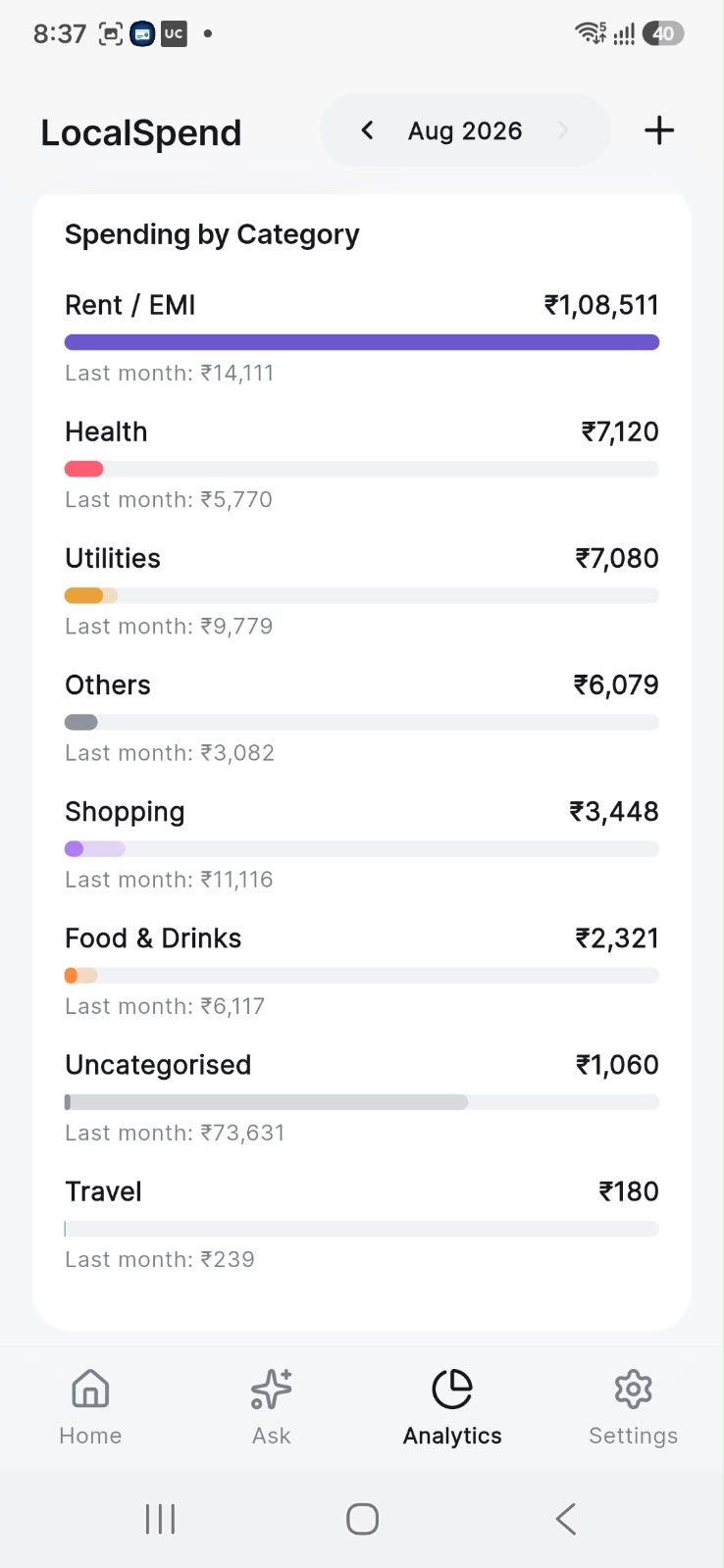
- Stay on budget. Set a monthly limit and see exactly what’s left; analytics break down your week, month, half-year, or year, with month-over-month comparisons and top merchants.
- Catch the leaks. Recurring payments are detected and predicted; subscriptions (Netflix, Spotify, Prime…) are spotted from billing emails and listed with renewal dates.
- Ask anything. Optionally download the on-device AI model once, then ask natural questions — “how much on food this month?” — answered offline, from your data only.
- Keep it yours. Biometric lock, CSV export, and encrypted, passphrase-protected backups. Everything lives in a local database on your phone.
Built with
Frequently asked questions
Does LocalSpend connect to my bank?
No — and that's the point. It never asks for bank credentials or uses an account aggregator. Instead it reads the transaction alerts your bank already sends you (SMS on Android, Gmail alerts on both platforms) and parses them entirely on your device.
How does it work on iPhone?
iOS doesn't let apps read SMS, so on iPhone LocalSpend imports from your Gmail bank alerts (read-only access, parsed on-device) plus manual entry. On Android you get SMS auto-import too.
Is the AI assistant private?
Yes. The 'Ask' feature runs a small language model entirely on your phone. It's an optional one-time download (~1.5 GB); after that, questions like 'what did I spend on food this month?' are answered offline. Your transactions never leave the device.
Which banks and currencies are supported?
LocalSpend is built for India: it understands alerts from major banks (HDFC, SBI, ICICI, Axis, Kotak and more) and UPI apps (GPay, PhonePe, Paytm, BHIM), and tracks amounts in ₹ INR.
Can I export or back up my data?
Yes — full CSV export via the share sheet, plus passphrase-protected encrypted backups (AES-256) you can restore or move to a new phone.
Is it free?
Completely free. No ads, no in-app purchases, no subscription.
What's new
- Fixed AI model download issues
- Improved SMS transaction parsing
- Redesigned minimal UI
- Smarter duplicate detection across SMS and Gmail
- Gmail HTML bank-alert parsing
- Fixed credits being counted as spend
- Recurring payment detection and subscription tracking
- Encrypted backups and CSV export improvements
Support & privacy
Need help with LocalSpend? Email hello@sagarchandagarwal.com and I'll get back to you.