Anchor
Focus without the wall.
What it is
Anchor is a focus companion for Mac and iPhone built on a simple belief: a hard wall invites workarounds, but a well-timed nudge builds awareness. On the Mac it lives in your menu bar, understands what you’re working on, and taps you on the shoulder when you drift. On iPhone — where willpower meets the infinite scroll — it uses Apple’s Screen Time shields for real blocking.
No account, no server, zero third-party SDKs. Your activity never leaves your devices.
How it works
- Tell it who you are. A two-minute onboarding — pick a persona (founder, student, freelancer…), your goals, and your distraction categories — seeds ~50 smart classification rules.
- Start a session. Manually from the menu bar, or on a weekly schedule (deep work every weekday 9–11, say).
- Get nudged, not punished. Drift to YouTube for 30 seconds on the Mac and a small panel offers: Back to focus, 5-min break, or “This is work — allow.” Anchor learns from every override.
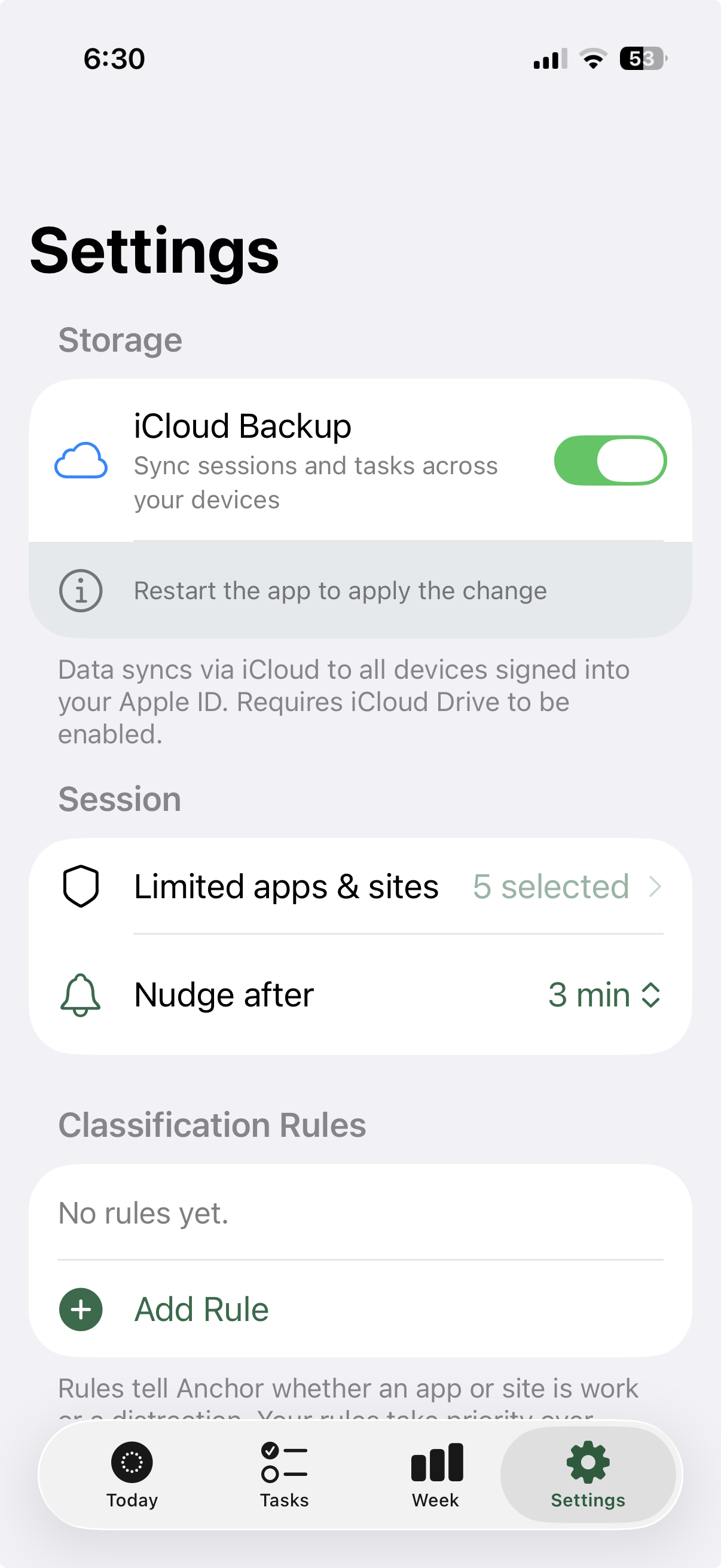
- Stay shielded on iPhone. Blocked apps show a full-screen “Looks like you drifted” shield; a deliberate 5-minute pass is there when you truly need it.
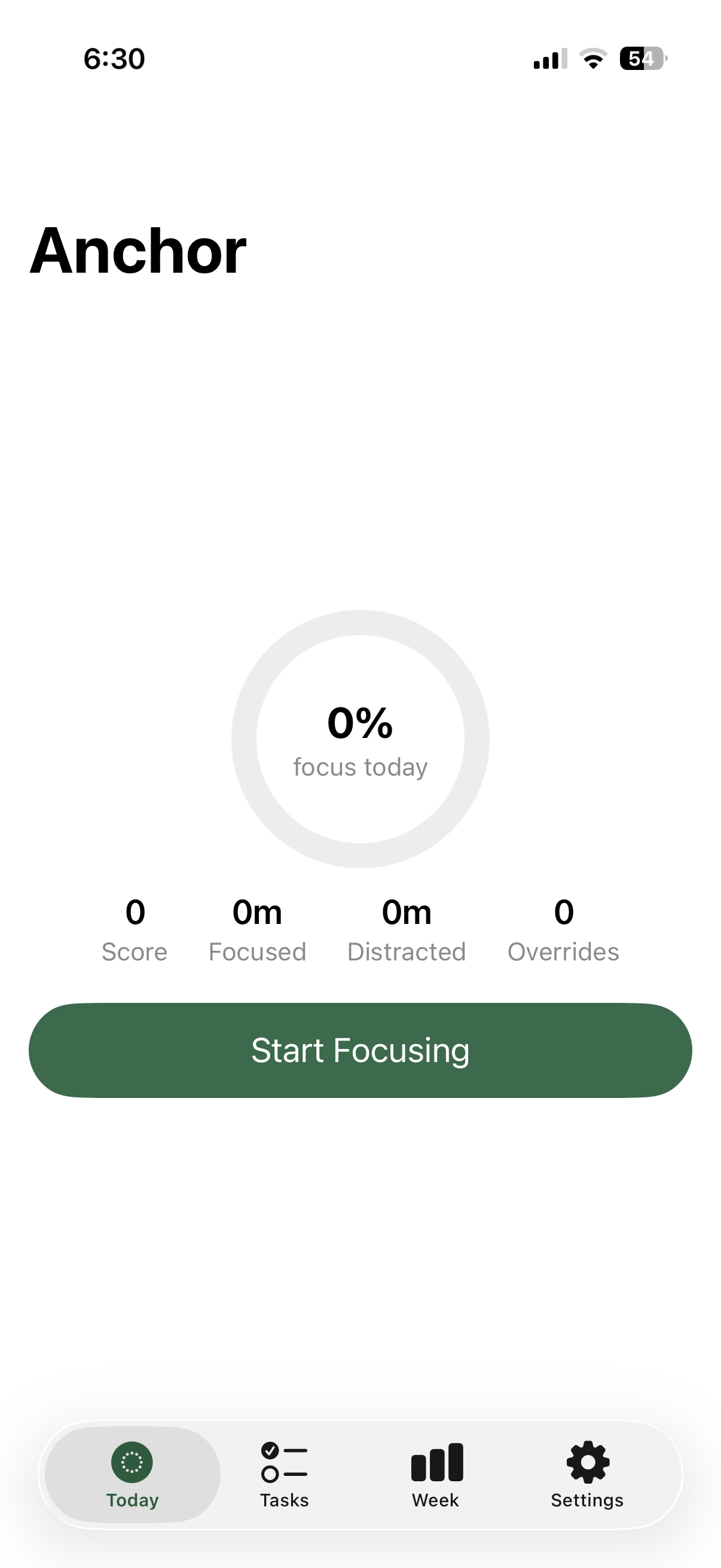
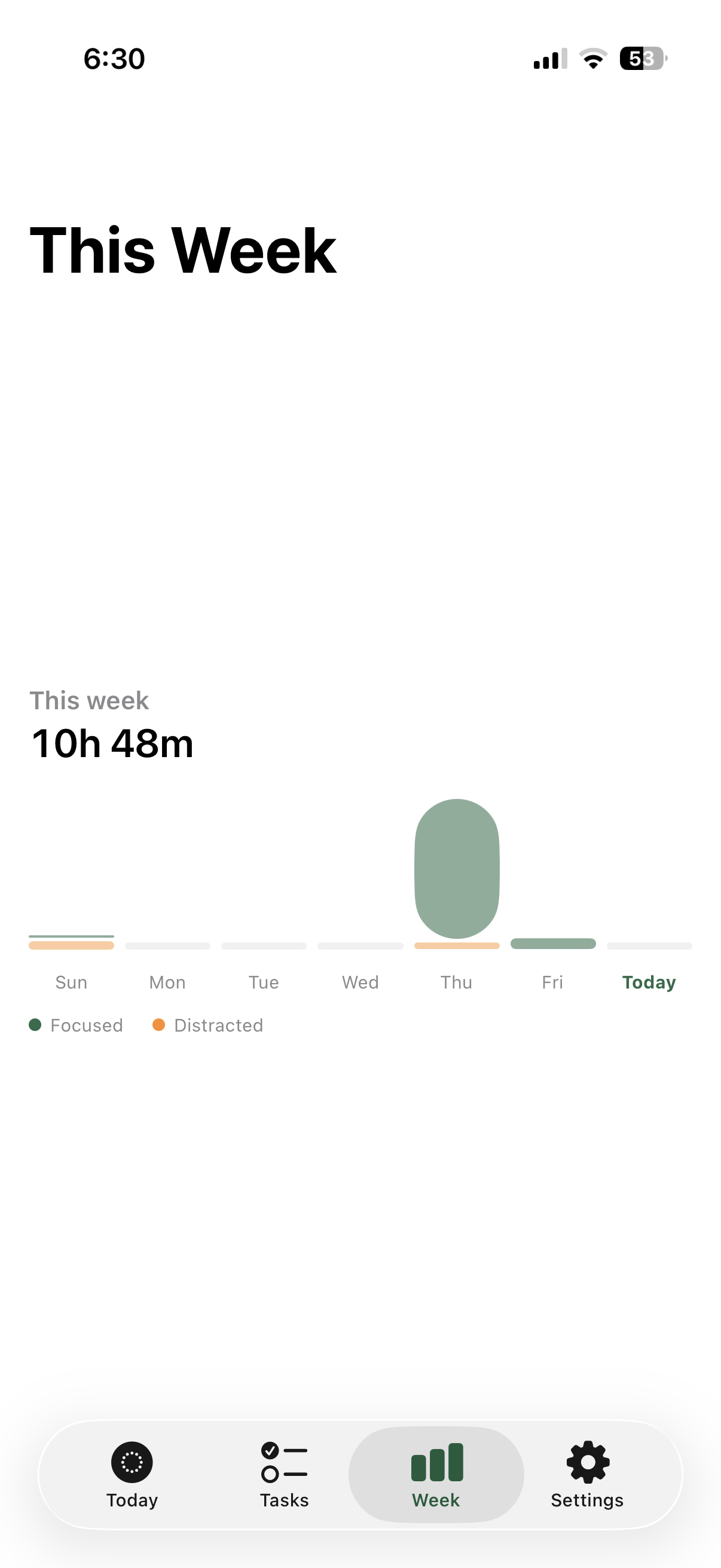
- See the truth. Focus ring against your daily goal, focus score, drift minutes, streaks, and a 7-day chart — with away-from-keyboard time automatically excluded.
Built with
Frequently asked questions
Does Anchor block apps on my Mac?
Deliberately not. On the Mac, Anchor observes what you're working on and shows a gentle nudge after 30 seconds of drifting — with a one-click 'This is work' override that it remembers. Hard walls invite workarounds; nudges build awareness.
What about on iPhone?
iOS is where Anchor uses real blocking: Apple's Screen Time shields cover the apps and sites you pick, with a 'Back to Focus' screen and an optional 5-minute pass when you genuinely need through.
Can Anchor see what I'm reading or typing?
No. On Mac it reads only the frontmost app name, window title, and active browser tab URL — never page content, messages, or documents. Nothing is sent to any server; there is no server.
Does it count time when I step away?
No. Anchor detects when you're away from the keyboard (2+ minutes idle) and stops counting, so your stats reflect real work.
Is Anchor free?
The beta is completely free — no payment info, no trial countdown. Pricing after beta isn't final; beta testers will be looked after.
Is it a Pomodoro timer?
No cycles or forced breaks. You start a session manually or on a weekly schedule, and Anchor keeps you honest until it ends.
What's new
- Widget fixes on Mac and general bug fixes
- First TestFlight beta: Mac menu bar app with activity awareness and nudges
- iOS app with Screen Time shields and drift tracking
- Scheduled focus sessions, adaptive work/distraction rules, weekly stats
Support & privacy
Need help with Anchor? Email hello@sagarchandagarwal.com and I'll get back to you.